SALE
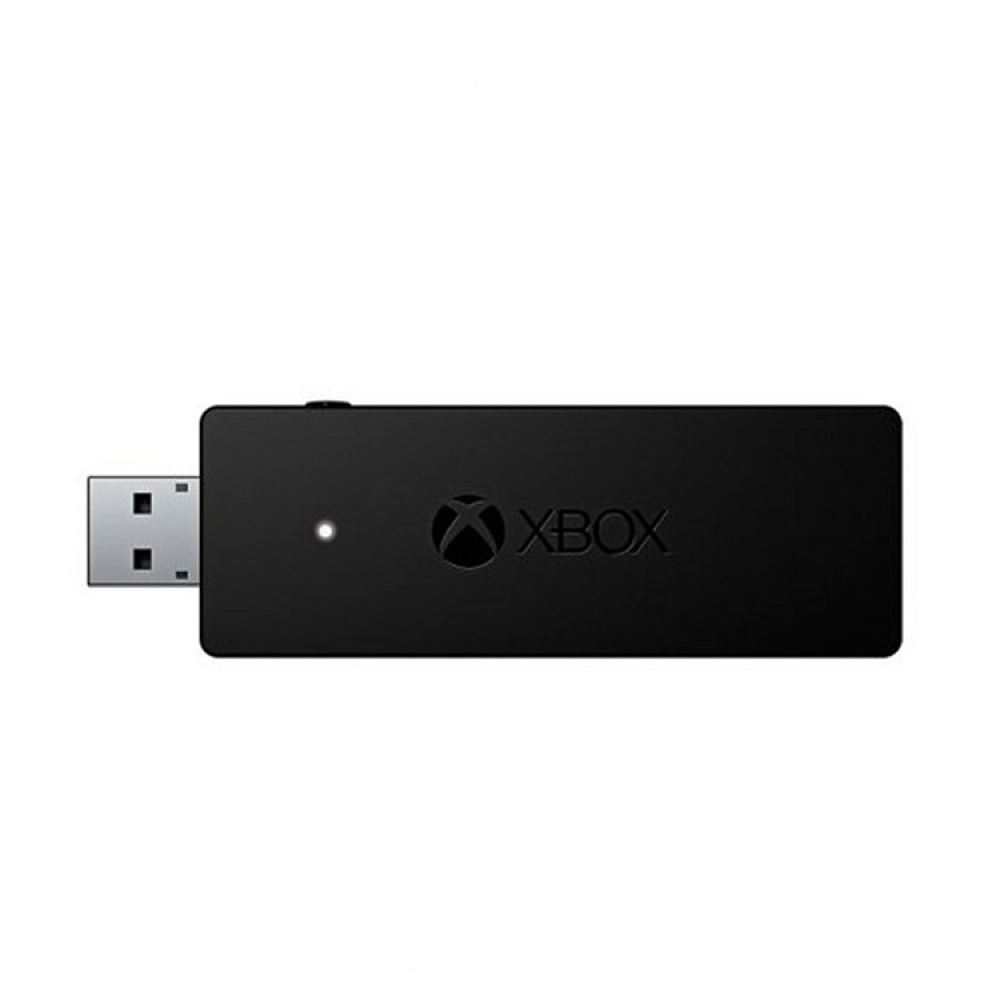
Wireless Handle Receiver 2.4G Wireless Receiver For Xbox One

Wireless Handle Receiver 2.4G Wireless Receiver For Xbox One

OEM Wireless Handle Receiver 2.4G Wireless Receiver For Xbox One
3.34 Reviews
R 56.00R 60.95
🚚 Ships in 3-5 work days

OEM Wireless Handle Receiver 2.4G Wireless Receiver For Xbox One

🛡️
Warranty
6-Month Limited Warranty.
↩️
Return Policy
Hassle-Free Exchanges & Returns for 7 Days.

Product Information

SKU91638449
Stock StatusIn Stock
Safe Checkout

Material: ABS
Weight: 10g
Size: 6x10.7x2.3cm
Applicable products: for XBOX ONE
Scope of application: for XBOX ONE to PC
Instructions for use:
Press the pairing button on the side of the PC wireless adapter for Xbox One controller, the front light will flash slowly.
Load the battery into the handle, press for Xbox button to start the handle, and the button for Xbox will flash slowly.
Press and hold the pairing button on the top of the controller for 2 seconds. For Xbox button on the controller will change from slow flashing to fast flashing. At this time, the pairing starts, and the pairing can be completed in 2-5 seconds.
Matters needing attention: If your win system cannot be recognized after manual update or there is no vibration, this is a problem of your computer system! Please update the windows system patch of your computer. You can use the built-in windows update or 360 and other software to patch, make sure to apply all the patches, and then restart the computer, the windows system will configure the patch by itself, and the problem can be solved

What's in the box
1 x OEM Xbox One Receiver

Material: ABS
Weight: 10g
Size: 6x10.7x2.3cm
Applicable products: for XBOX ONE
Scope of application: for XBOX ONE to PC
Instructions for use:
Press the pairing button on the side of the PC wireless adapter for Xbox One controller, the front light will flash slowly.
Load the battery into the handle, press for Xbox button to start the handle, and the button for Xbox will flash slowly.
Press and hold the pairing button on the top of the controller for 2 seconds. For Xbox button on the controller will change from slow flashing to fast flashing. At this time, the pairing starts, and the pairing can be completed in 2-5 seconds.
Matters needing attention: If your win system cannot be recognized after manual update or there is no vibration, this is a problem of your computer system! Please update the windows system patch of your computer. You can use the built-in windows update or 360 and other software to patch, make sure to apply all the patches, and then restart the computer, the windows system will configure the patch by itself, and the problem can be solved

What's in the box
1 x OEM Xbox One Receiver

More in Cables & Adapters