SALE
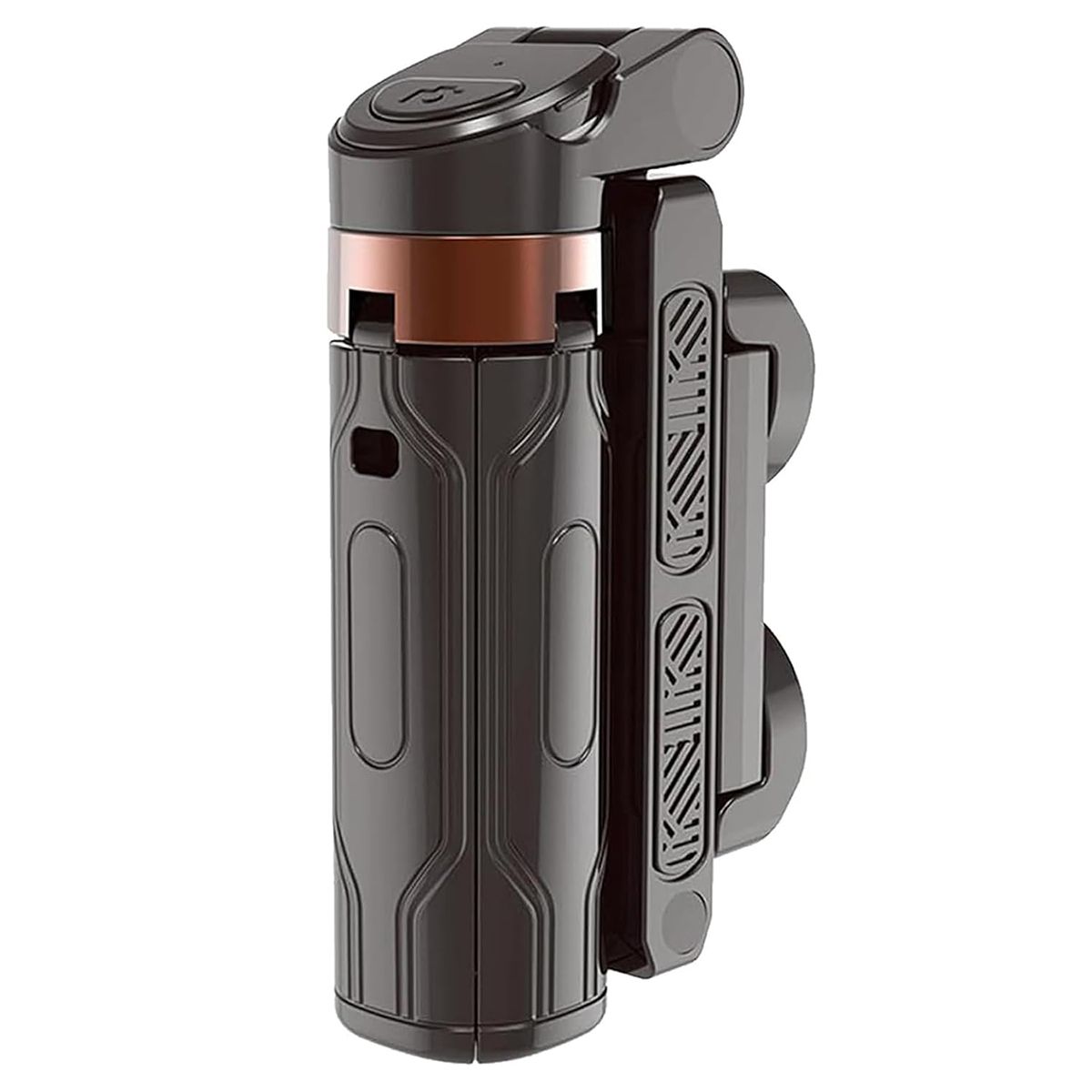
Smartphone Auto Clicker, Mobile Screen Automatic Cellphone Android iOS,

Smartphone Auto Clicker, Mobile Screen Automatic Cellphone Android iOS,

[Precautions]:1, this product is equipped with a USB cable, is required for continuous power supply to use, is a plug-an…
No reviews yet
FromR 25.01
⚠️ ACTION REQUIRED
Please select a product variation (size, color, etc.) to view the actual price

[Precautions]:1, this product is equipped with a USB cable, is required for continuous power supply to use, is a plug-and-play product.2, this product is not equipped with batteries, the product is th...

🛡️
Warranty
6-Month Limited Warranty.
↩️
Return Policy
Hassle-Free Exchanges & Returns for 7 Days.

Select Colour

Product Information

SKU101176106
Stock StatusIn Stock
Safe Checkout

[Precautions]:

1, this product is equipped with a USB cable, is required for continuous power supply to use, is a plug-and-play product.

2, this product is not equipped with batteries, the product is through the USB cable plugged and connected to use.Therefore, once the product is not plugged into the USB cable connection, it will stop running and will not work.

3, the product itself can be countless clicks, because the platform will have a limit for the number of clicks, not the product itself has any problem.

[Advanced Mute Operation]This cell phone screen auto clicker adopts space mapping clicking technology to replace the traditional mechanical clicking method, mute clicking, zero noise, longer service life, adopting innovative technology will not damage the cell phone screen, more sensitive, more stable.

[Easy to Operate]Simply install the click head or use the screen clip to replicate the automatic finger click.Connect the USB port to the power supply for immediate use, freeing your hands.Perfect for gaming, live streaming and efficiently completing tasks.

[Customizable Tapping Speed]Customize your mobile screen auto clicker to meet your exact needs.With 108 adjustable speed settings, you're free to choose from a super-fast speed of 99 taps per second or a more leisurely speed of just 1 tap every 9 seconds.You can save your favorite speed and enjoy finger-like irregular clicking patterns for a non-stop experience.

[LED Display Design]Built-in LED digital display allows you to check the number of clicks, easy to operate and use with smart digital display.

[Usage Instructions]Start BOOT Mode - First press the BOOT button to put the device into BOOT state, at this time the screen will display the digital count. Then press the Start button to initiate the click operation, the flashing blue light indicates the operation. To modify the frequency in BOOT mode, simply press and hold the BOOT button to make extended adjustments.

What's in the box
1 x Selfie Sticks

[Precautions]:

1, this product is equipped with a USB cable, is required for continuous power supply to use, is a plug-and-play product.

2, this product is not equipped with batteries, the product is through the USB cable plugged and connected to use.Therefore, once the product is not plugged into the USB cable connection, it will stop running and will not work.

3, the product itself can be countless clicks, because the platform will have a limit for the number of clicks, not the product itself has any problem.

[Advanced Mute Operation]This cell phone screen auto clicker adopts space mapping clicking technology to replace the traditional mechanical clicking method, mute clicking, zero noise, longer service life, adopting innovative technology will not damage the cell phone screen, more sensitive, more stable.

[Easy to Operate]Simply install the click head or use the screen clip to replicate the automatic finger click.Connect the USB port to the power supply for immediate use, freeing your hands.Perfect for gaming, live streaming and efficiently completing tasks.

[Customizable Tapping Speed]Customize your mobile screen auto clicker to meet your exact needs.With 108 adjustable speed settings, you're free to choose from a super-fast speed of 99 taps per second or a more leisurely speed of just 1 tap every 9 seconds.You can save your favorite speed and enjoy finger-like irregular clicking patterns for a non-stop experience.

[LED Display Design]Built-in LED digital display allows you to check the number of clicks, easy to operate and use with smart digital display.

[Usage Instructions]Start BOOT Mode - First press the BOOT button to put the device into BOOT state, at this time the screen will display the digital count. Then press the Start button to initiate the click operation, the flashing blue light indicates the operation. To modify the frequency in BOOT mode, simply press and hold the BOOT button to make extended adjustments.

What's in the box
1 x Selfie Sticks

More in Selfie Sticks