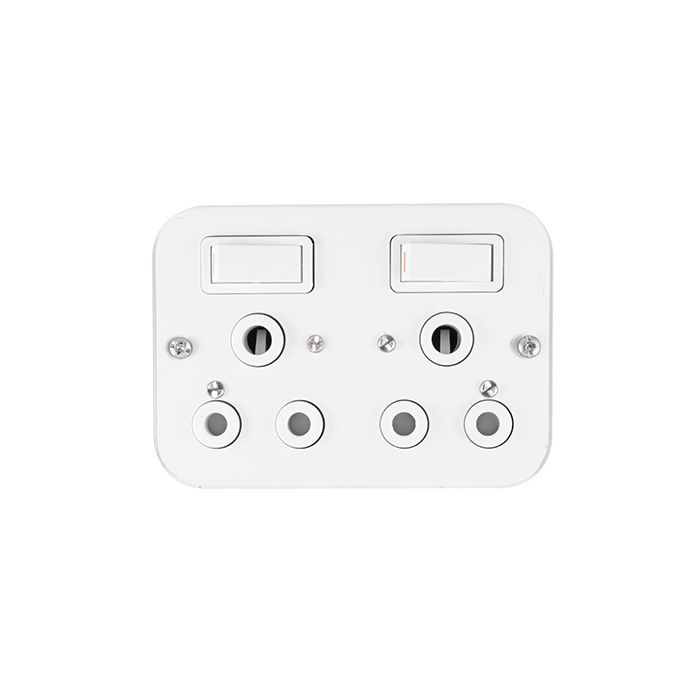
Q-Kg09 Smart Switch

Q-Kg09 Smart Switch

Q-kg09 smart switch
1.02 Reviews
R 27.91
🚚 Ships in 6-8 work days

Q-kg09 smart switch

🛡️
Warranty
6-Month Limited Warranty.
↩️
Return Policy
Hassle-Free Exchanges & Returns for 7 Days.

Product Information

SKU93970563
Stock StatusIn Stock
Safe Checkout

Andowl Q-KG09
user's manual
EN:
Wiring diagram
Lrenire Seongiblutton FireWire L
A Coom90v-250v to power Input connected Connect the lamp Output
N zero line zere line N
WIRING DIAGRAM"Please Don't instal1 with electricity
"Note: Al the following working modes need to be implemented with alACHP brand remote control(transmitter ) and controlier (receiver / wireless remote contral switch). There is no guaranteethat semote cantrols from ather be ands will work property. Operation
Note: The working mode can anly be set when thie LED indicators of the switch controller are it Set Toggle Mode (Press the Remale contral to openpress again to dose.This mode issuitable for i remote control with i receiver):
Click the Settings button on the receiver twice,wait for the LED to light up, and enter the settingstate; then click the bution (such as button A) on the remate cantral ance.when the indicatoright on the receiver flashes and goes outthe toggle mode selling is successful.
Set Latching Mode(Set the A button of the remote control can only turn on the power,and the B button can only tum off the power. Need at least two or more remate cantroibuttons. This mode is also suitable for one remote control to contral muliplereceivers)
Click the Settings button an the receiver 3 times, wait for the LED to light up, and enter thesetting state: click the button an the remote contral (such as buttion A) once, When the indicatorlight on the receiver flashes and lights up again then click the bution on the remote contral(such as bution B),The indicator light on the receiver fashes and goes out, Latching mode isset successfully. Set Toggle Mode (The same button, press and hold to open, release to close.) Click the Settings button on the receiver once, wait for the LED to light up.and enter the settingstate then click the button (such as bution A) on the remcte contral once, when the indicatorlight an the receiver flashes and goes out, the toggle mode seting is successful.

What's in the box
1xq-Kg09 Smart Switch

Andowl Q-KG09
user's manual
EN:
Wiring diagram
Lrenire Seongiblutton FireWire L
A Coom90v-250v to power Input connected Connect the lamp Output
N zero line zere line N
WIRING DIAGRAM"Please Don't instal1 with electricity
"Note: Al the following working modes need to be implemented with alACHP brand remote control(transmitter ) and controlier (receiver / wireless remote contral switch). There is no guaranteethat semote cantrols from ather be ands will work property. Operation
Note: The working mode can anly be set when thie LED indicators of the switch controller are it Set Toggle Mode (Press the Remale contral to openpress again to dose.This mode issuitable for i remote control with i receiver):
Click the Settings button on the receiver twice,wait for the LED to light up, and enter the settingstate; then click the bution (such as button A) on the remate cantral ance.when the indicatoright on the receiver flashes and goes outthe toggle mode selling is successful.
Set Latching Mode(Set the A button of the remote control can only turn on the power,and the B button can only tum off the power. Need at least two or more remate cantroibuttons. This mode is also suitable for one remote control to contral muliplereceivers)
Click the Settings button an the receiver 3 times, wait for the LED to light up, and enter thesetting state: click the button an the remote contral (such as buttion A) once, When the indicatorlight on the receiver flashes and lights up again then click the bution on the remote contral(such as bution B),The indicator light on the receiver fashes and goes out, Latching mode isset successfully. Set Toggle Mode (The same button, press and hold to open, release to close.) Click the Settings button on the receiver once, wait for the LED to light up.and enter the settingstate then click the button (such as bution A) on the remcte contral once, when the indicatorlight an the receiver flashes and goes out, the toggle mode seting is successful.

What's in the box
1xq-Kg09 Smart Switch

More in Dimmers & Switches