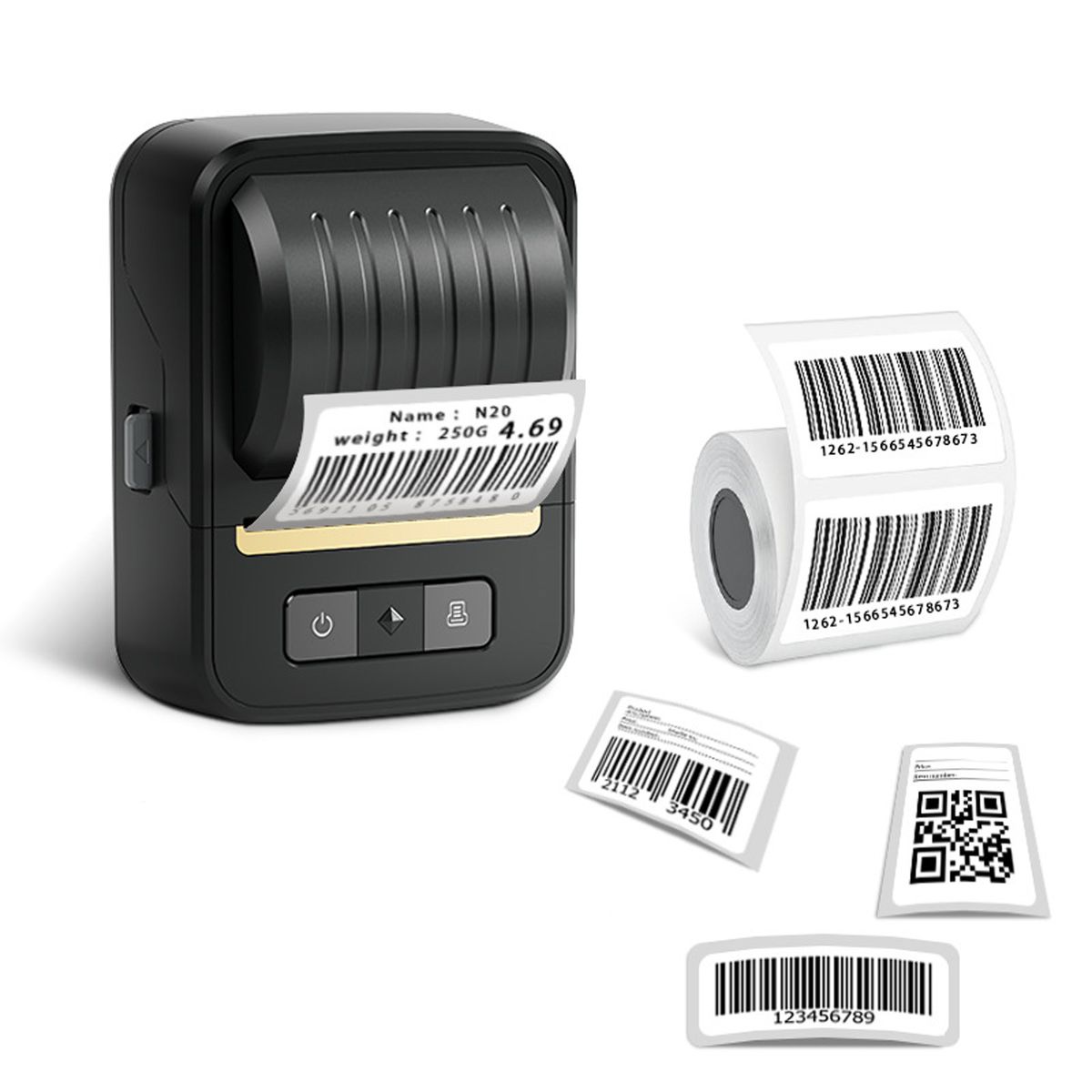
Feature:
Dimensions: 125.4 x 82.3 x 65.6mm (net), 112 x 148 x 95mm (packaged); Weight: 296g (net), 427g (packaged)
Battery: 2000mAh, charging time 2-3 hours via Type-C interface
Print: Thermal technology, 50KM print head life, 203DPI precision, 40mm/s speed
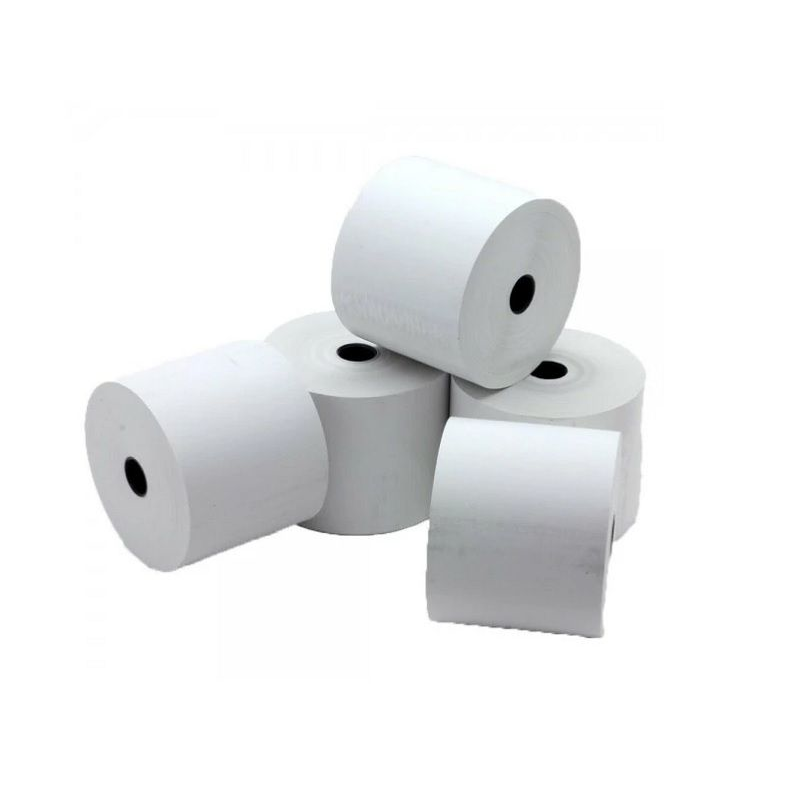
Media: Supports 20-50mm width, effective 48mm width; includes 1 roll 40 x 30mm-230 sheets
Compatibility: Android, iOS, Windows; connects via Bluetooth/USB
Nada Print App Installation Steps
STEP 1: Download and Install the App
1. Open your phone's app store (iOS users, use the App Store; Android users, use Google Play or the App Store).
2. Enter "Nada Print" in the search bar and tap Search.
3. Once you find the official app, tap "Download"/"Install" and wait for the installation to complete.
4. After installation, tap the desktop icon to open the app (the first time you open it, you may need to allow permissions, such as Bluetooth and storage. Follow the prompts).
STEP 2: Enable Bluetooth on your phone
1. Go to "Settings" (the gear icon) on your phone.
2. Find and tap "Bluetooth" and turn on Bluetooth (it should show "On").
3. Return to the app's main screen to prepare for the next connection.
STEP 3: Connecting the N20 Printer
1. On the app's main screen, tap "Connect" (or directly access the Bluetooth device list).
2. Your phone will automatically search for nearby available Bluetooth devices and wait for the list to load.
3. Find the printer named "N20" in the device list and tap the device name.
4. If prompted for a pairing password (follow the app's prompt), enter it and wait for the connection to complete (the status will display "Connected").
STEP 4: Select a Template or Edit a Label
1. After successfully connecting, access the app's function interface and select "Print Preview" or directly access the template selection page.
2. Browse the preset templates (such as birthday labels, item category labels, etc.) and tap a template you like to preview.
3. To customize the content:
Tap "Edit" to modify the text, font, color, layout, and more.
You can add icons, lines, stickers, and other elements (subject to the actual interface).
4. After confirming your design, click "Save" or proceed directly to the next step.
STEP 5: Confirm printing and execute the operation
1. Verify the label content, size, and print quality on the preview screen.
2. Click the "Print" button at the bottom of the screen.
3. The app will automatically send the print command, and the printer indicator light will flash or indicate the printing progress.
4. After printing is complete, remove the label paper and use it (it is recommended to check the first print to ensure the settings are correct).
1:Thermal Label Printing Technology
Adopting advanced thermal printing technology, this printer delivers crisp, smudge-free labels without ink or toner, reducing ongoing costs and ensuring consistent quality for long-term use.
2:Portable & Versatile Design
Compact dimensions (125.4 x 82.3 x 65.6mm) and lightweight (296g) make it ideal for on-the-go use-easily fits in backpacks for business trips, market stalls, or home organization tasks.
3:Smart App Control with Nada Print
Sync seamlessly with the ""Nada Print"" app (available for Android/iOS) to access 60+ fonts, 50+ frames, and 1,000+ icons. Customize labels in seconds and enjoy bulk printing via Excel import for boosted efficiency.
4:Multi-Scenario Applicability
Perfect for small businesses (price tags, barcodes), offices (file labels), schools (name tags), and homes (kitchen storage). Supports gap/continuous/black mark paper modes for diverse labeling needs.
5:Long-Lasting Performance
Featuring a 50KM print head lifespan and 2000mAh battery (2-3 hours charging), it handles high-volume tasks reliably. The 40 x 30mm label roll (230 sheets) ensures extended usability between refills.
6:Enhanced Connectivity Options
Connect via Bluetooth for wireless freedom or USB for stable PC linkage. Type-C charging ensures universal compatibility with common cables, simplifying daily use.
What's in the box
1 x Portable Bluetooth Thermal Printer
1 x Packaging Box
1 x USB Cable
1 x Incl Free Label (40 x 30mm-230 Sheets)
1 x User Manual (English)