SALE
DSTV TV Link Eye for DSTV PVR/Dual View/Explora Multichoice Decoders

DSTV TV Link Eye for DSTV PVR/Dual View/Explora Multichoice Decoders

Brand: DStv
IR Injector for DSTV. Compatible with PVR/ Dual View/ Explora Multichoice Decoders.
4.2141 Reviews
R 38.00R 45.60
🚚 Ships in 3-5 work days

IR Injector for DSTV. Compatible with PVR/ Dual View/ Explora Multichoice Decoders.

🛡️
Warranty
6-Month Limited Warranty.
↩️
Return Policy
Hassle-Free Exchanges & Returns for 7 Days.

Product Information

SKU42525136
Stock StatusIn Stock
Safe Checkout

This TVlink can be used with DSTV set top boxes with RF ports.

It enables you to use a DSTV remote control at the 2nd TV to change channels on the DSTV decoder in another room using the existing run of co-axial cable.

Includes full installation instructions and is very easy to fit. It has an adhesive base for flexibility of fitment in the most convenient locations in your home, within the area of your television set.

It can be used with all TV s, LCD, LED and Plasma screens.

Please note! There needs to be a coaxial cable run from the RF2 out at the rear of the DStv decoder to the second room for the signal to be transmitted (professional installation recommended), the TVlink only enables remote control use and is not for DSTV signal transfer.

When a TV link is plugged in and it does not want to power-on or function properly, the steps below should be followed:

1. On your remote, Press menu button

2. Select advanced options

3. Enter the pin 9949

4. Select equipment setup

5. Select no.3 on the menu (TV Link/Auxiliary)

6. There will be two options on/off, this option must be set to on .

7. This must be saved. Press the OK button to save this option.

For Newer Decoders DSTV Explora 2 & 3 and Single View Decoder 5s/6s and newer which do not have RF Ports you will need to use the RF TVLink Modulator with IR to change channels from a remote location.

This TV link is only for use with the decoders that have RF ports of their own.

What's in the box
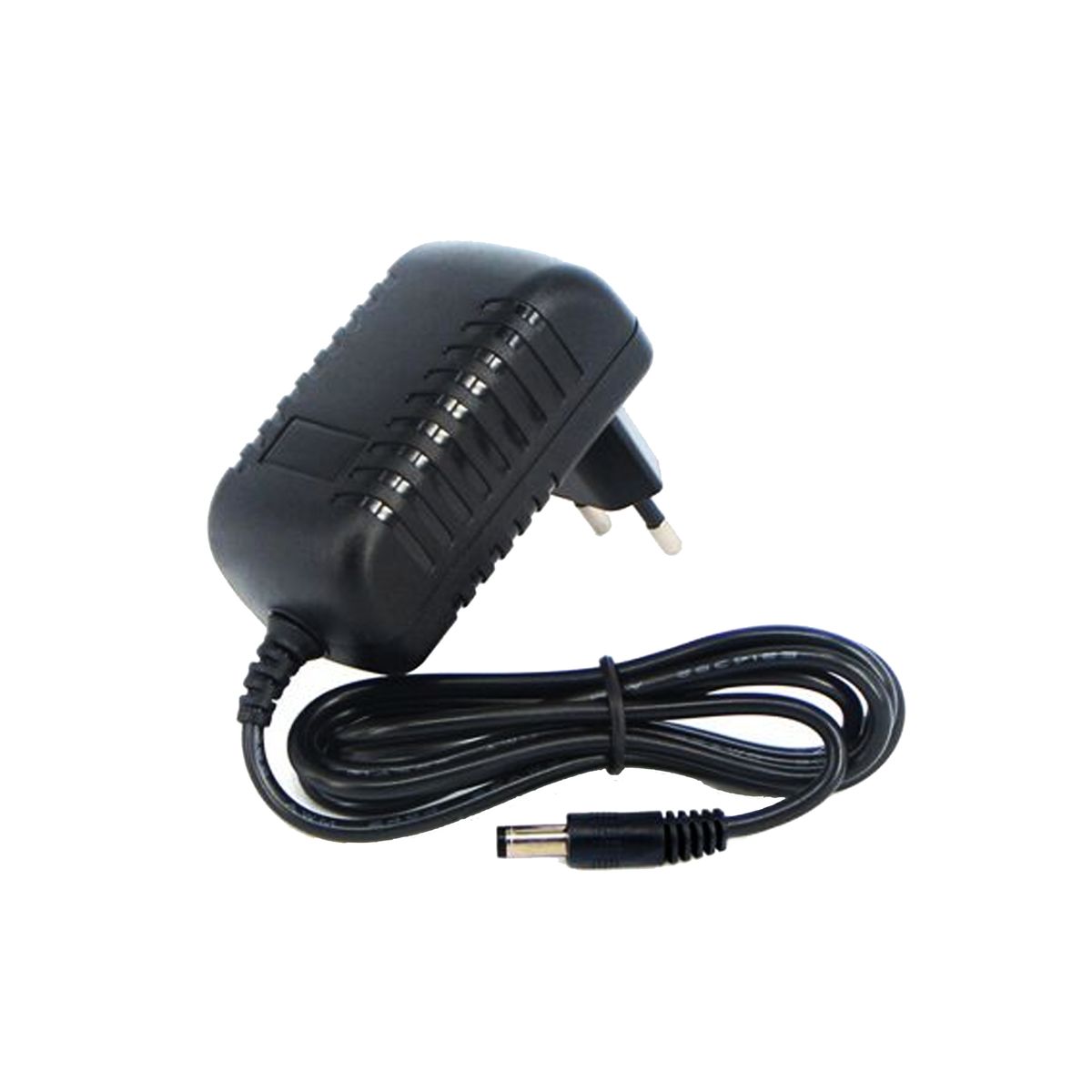
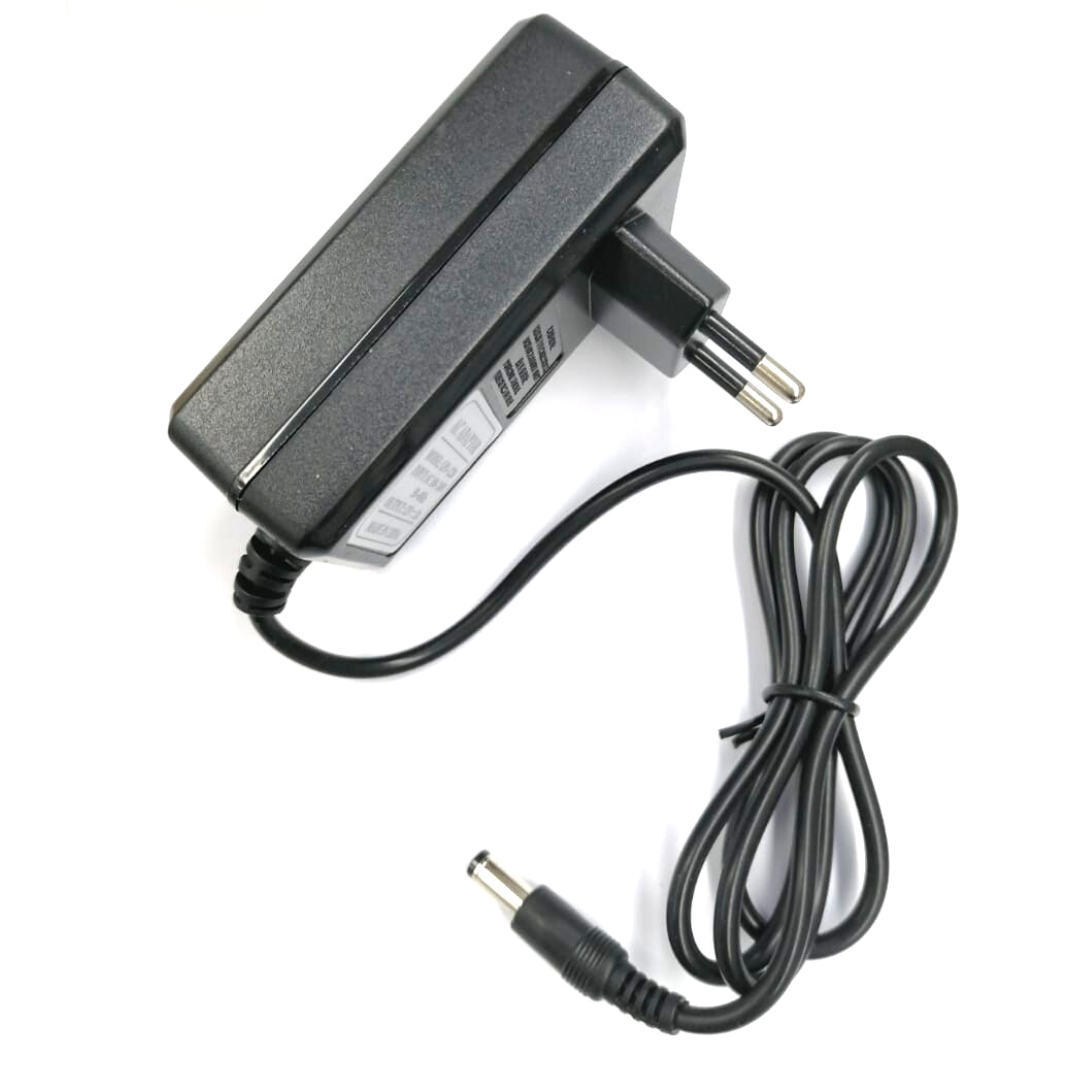
1 x TV Link

This TVlink can be used with DSTV set top boxes with RF ports.

It enables you to use a DSTV remote control at the 2nd TV to change channels on the DSTV decoder in another room using the existing run of co-axial cable.

Includes full installation instructions and is very easy to fit. It has an adhesive base for flexibility of fitment in the most convenient locations in your home, within the area of your television set.

It can be used with all TV s, LCD, LED and Plasma screens.

Please note! There needs to be a coaxial cable run from the RF2 out at the rear of the DStv decoder to the second room for the signal to be transmitted (professional installation recommended), the TVlink only enables remote control use and is not for DSTV signal transfer.

When a TV link is plugged in and it does not want to power-on or function properly, the steps below should be followed:

1. On your remote, Press menu button

2. Select advanced options

3. Enter the pin 9949

4. Select equipment setup

5. Select no.3 on the menu (TV Link/Auxiliary)

6. There will be two options on/off, this option must be set to on .

7. This must be saved. Press the OK button to save this option.

For Newer Decoders DSTV Explora 2 & 3 and Single View Decoder 5s/6s and newer which do not have RF Ports you will need to use the RF TVLink Modulator with IR to change channels from a remote location.

This TV link is only for use with the decoders that have RF ports of their own.

What's in the box
1 x TV Link

More in Decoder Accessories