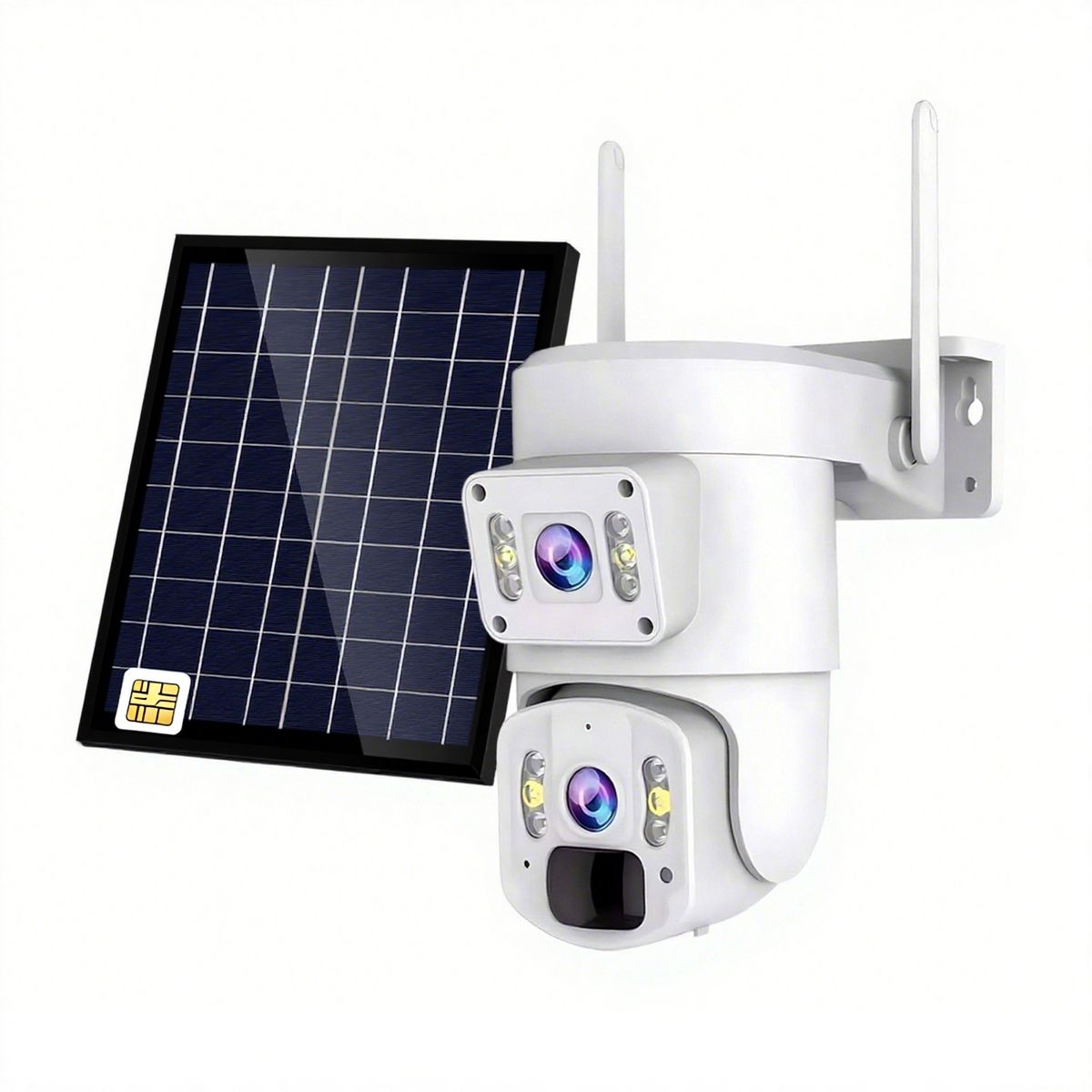
1 Intelligent Dual Lens: Equipped with two high definition lenses capable of shooting 1080P level videos, this wireless security camera supports auto focus, automatic light adjustment, and delivers clear and true to life colors. 2 Wide Angle View: The combination of dual lenses provides an ultra wide shooting angle, capturing the entire yard in one device. Every object in the surroundings will be exposed in the frame. 3 AI Motion Detection: When the camera detects movement, it automatically tracks the subject, with the pan tilt capable of adjusting angles within a 355 horizontal and 90 vertical range, ensuring the subject stays centered. 4 Wireless Fidelity Connection: Connect to your smartphone to view live footage and receive alerts when motion is detected. Share video feeds with family members and stay connected wherever you are. 5 Weather Resistant: Featuring a sealed design and water resistant materials, this camera is rated IP66 to withstand wind, sun, rain, and snow. Equipped with an intelligent thunder protective chip, it is long lasting and freeze proof. 6 24 Hour Security Guard: With night light function for displaying color footage in low light conditions, support for 5M motion detection recording, and two way talk communicating via smartphone, this outdoor security camera is an indispensable safety guardian for your home.Item Type: Wireless Security Camera
Material: ABS
Magnification: 5X
APP: for ICSee
Pixels: 3MP x2
Video Resolution: 1080P
Wireless Fidelity Frequency: 2.4GHZ
Storage: Up to 256GB small memory card (not included)
Water Resistant Level: IP66
Night Light Function: Supported
Compression Standard: H.264 / H.265
Working Temperature: -20 C to 60 C
Network Interface: POE supported
Rotation Angle: Horizontal 355 , vertical 90
Connect APP:
1. Open the bottom slot of the camera, insert the small memory card(not included), fix the camera in position, connect the power adapter, and plug in the power. The camera will start up and perform a rotation check.
2. Scan the QR code on the instruction manual with your phone to download the for ICSee APP. Install the app, open it, click on the + icon in the top right corner to add the device, and follow the on screen instructions.
What's in the box
1 x Camera, 1 x Bracket, 1 x Adapter, 4 x Expansion Tube, 3 x Screws, 4 x Interface Protective Components, 1 x User Manual