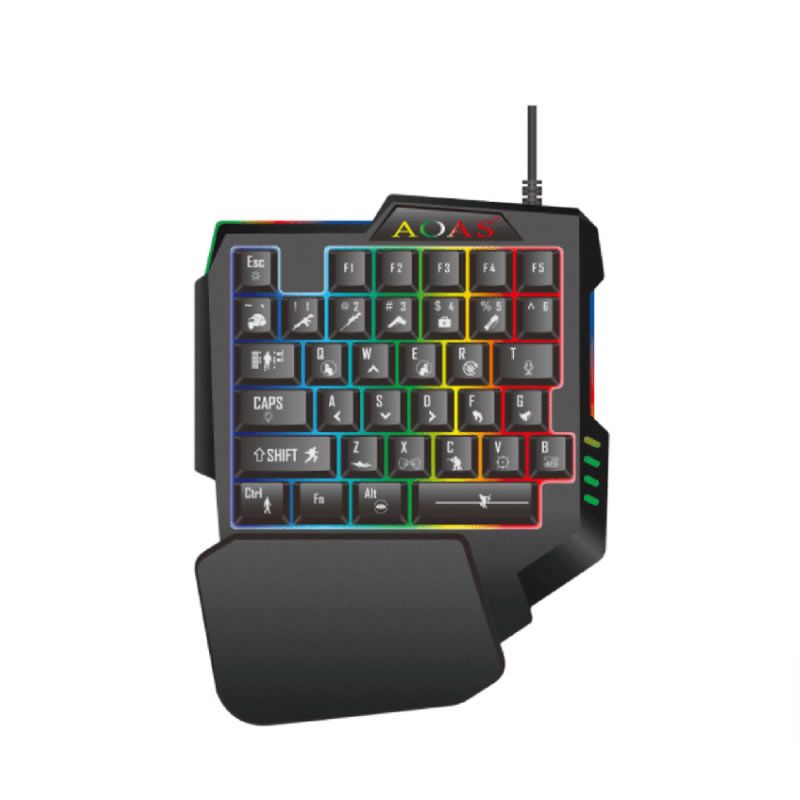
1. Regarding the backlight function, you may activate it by pressing 'Fn' + 'F2'. To cycle through different colours, hold down the "Fn" key and swipe your finger left or right along the bottom of the touchpad. If you swipe the touchpad without holding 'Fn', this will activate the high-brightness mode.
2. It is powered by a lithium battery (included) and can be charged via a USB cable.
3. On Android systems, configure the input method via: [Settings] [Language & Input] [Physical Keyboard] [HID xxxx: xxxx] [Configure Keyboard Layout]. Should your smart TV fail to add the physical keyboard layout, default language input remains the sole option.
4. YouTube (or other specific systems) does not support physical keyboard input, so you cannot use this keyboard to directly input characters.
Features:
92-key, 2.4GHz wireless keyboard with touchpad.
Adjustable touchpad DPI functionality.
Built-in high-sensitivity smart touchpad supporting 360-degree flip design.
Mini QWERTY keyboard with multimedia control keys and PC gaming control keys.
Auto-sleep mode and auto-standby mode.
Innovative styling, robust construction, and elegant aesthetics.
Ergonomic portable design for easy carrying and operation.
Perfectly suited for PCs, tablets, Android TV boxes, Google TV boxes, Xbox 360, PS3, HTPC/IPTV, etc.
Specifications:
Effective transmission range: 10 metres (maximum), free from signal interference and directional restrictions. Transmission power: +5dB
Maximum operating voltage: 3.3V
What's in the box
1× Mini Keyboard