Supercharge Your Productivity:
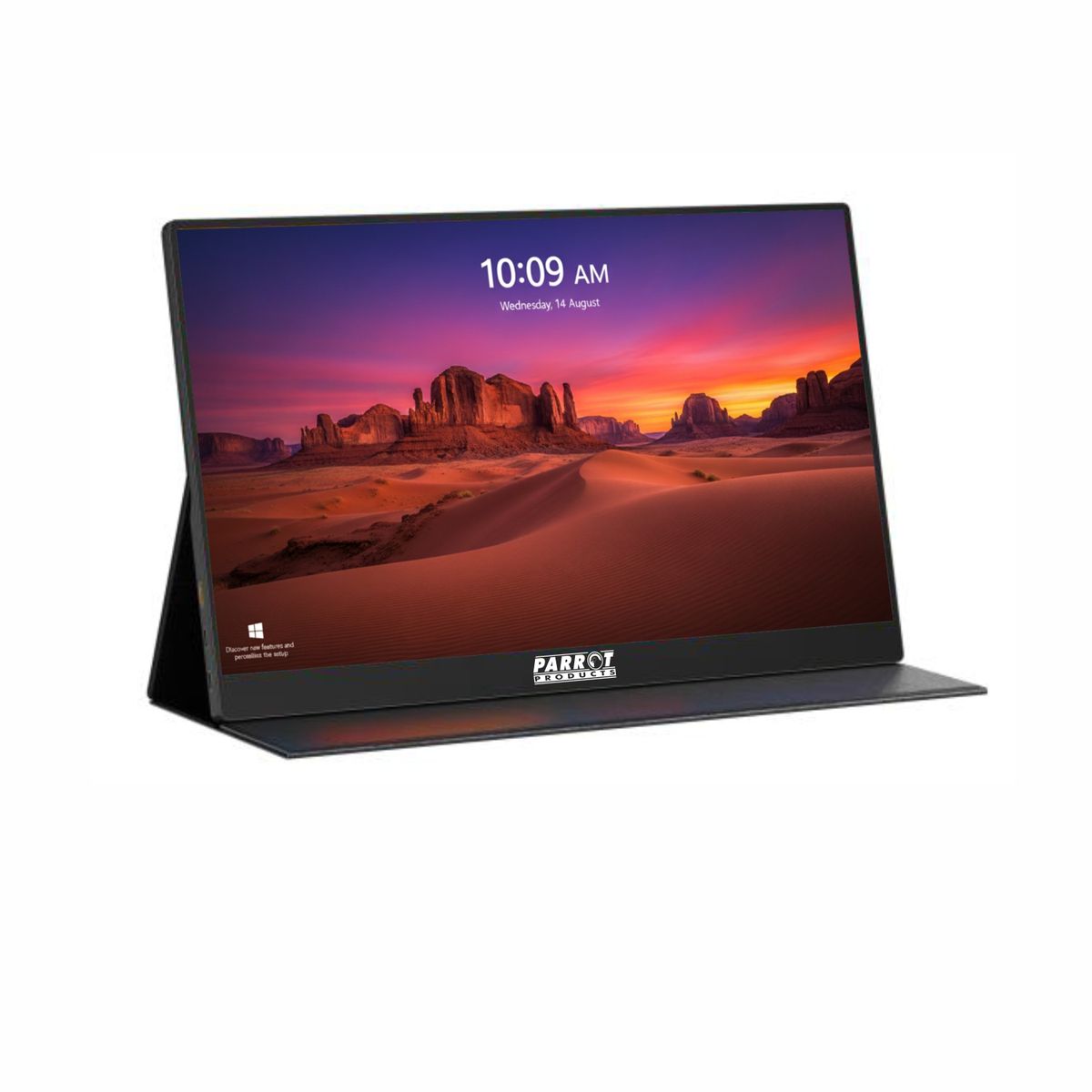
Elevate your work and entertainment experience with the 14" Portable Laptop Monitor Extender. While being compatible with a broad range of devices and operating systems, they are ideal for MacBook M1, M2, and M3 models, which only support a single monitor configuration. This sleek device allows you to multitask effortlessly, potentially boosting your productivity by up to 200%. Whether you're a remote worker, creative professional, gamer, or stock trader, transforms your single-screen setup into a powerful dual-monitor workstation.
Stunning 14" 1080P FHD IPS Display:
Dive into vibrant visuals with the Full HD (1920x1080) IPS screen. Enjoy sharp details and true-to-life colors that make every image pop. Customize your viewing experience with adjustable brightness, contrast, and backlight settings-all designed to reduce eye strain during extended use.
Plug & Play-No Drivers Required:
Forget about complicated installations. comes with all the necessary cables-including USB-C, USB-A to USB-C, and HDMI-so you can set up in seconds. Simply connect the monitor to your laptop or device, and you're ready to go. Note: When using the HDMI connection, please attach the USB-A to USB-C cable for power supply.
Versatile Display Modes & 180 Rotation:
Tailor your viewing experience with multiple display modes such as Mirror, Extend, Landscape, and Portrait. The 180 rotation feature lets you share your screen effortlessly with colleagues or clients, making collaborations more efficient and presentations more impactful.
Wide Compatibility for Ultimate Flexibility:
compatible with a broad range of devices and operating systems-including MacBooks (M1, M2, M3), Windows PCs, Android devices, and gaming consoles like PS4, Xbox, and Switch. Its seamless integration ensures you can expand your workspace no matter what device you're using.
What's in the box
1 x 14" Portable Laptop Dual Screen Extender
1 x USB-C to HDMI cable.
1 x USB-A to USB-C cable.
1 x USB-C to USB-C cable.
1 x Storage / Travelling bag.
1 x User Manual